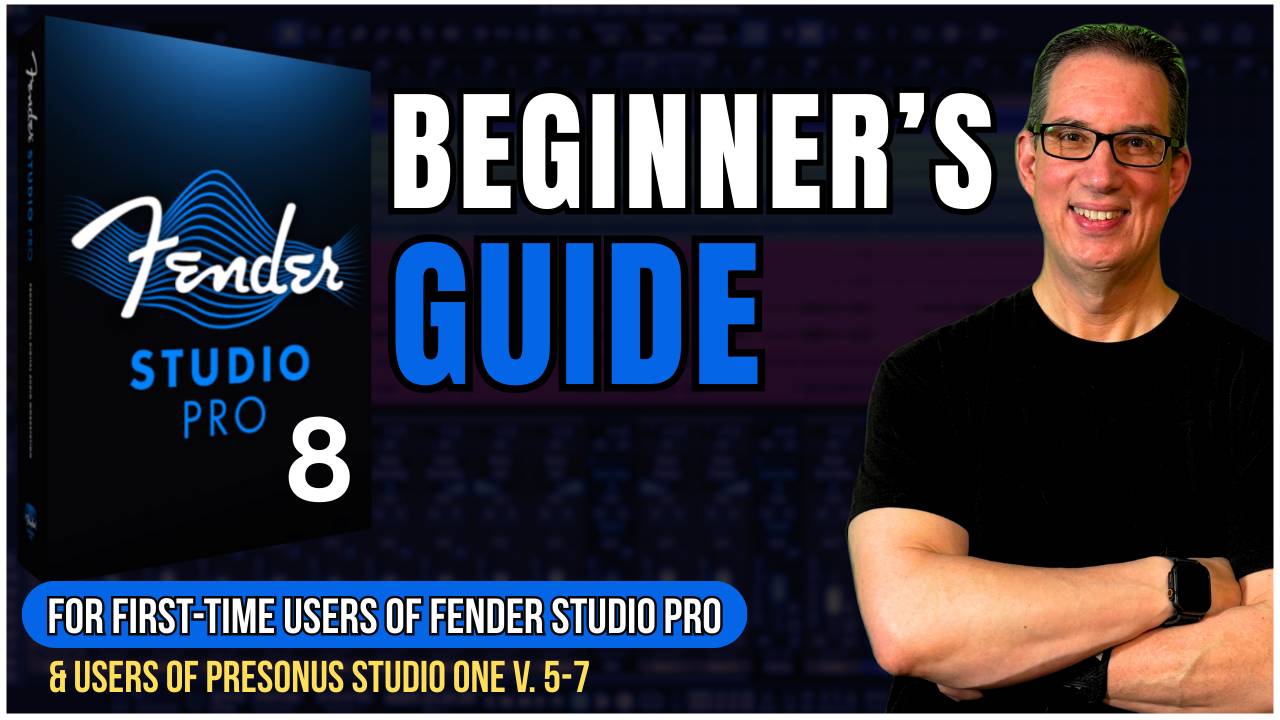
Fender Studio Pro 8 Beginner's Guide!
Learn how to set up and use the basic functions of Fender Studio Pro. Perfect for students new to using Fender Studio Pro 8.
🔓 Get Instant Access Start Learning Now!Are You Struggling With Getting Started With Fender Studio Pro?
✘ Struggling to Navigate Fender Studio Pro?
✘ Confused About Studio Setup?
✘ Unsure How to Use Fender Studio Pro Tools?
Start Learning Fender Studio Pro Today!
David Vignola
A little about me: I have been a pro mixing engineer for 20+ years, mixing hundreds of songs for clients worldwide. Since 2014, I have taught musicians and new audio engineers of all levels. They learn to produce radio-ready songs from the comfort of their own homes.
23 Video Sections
Over 3+ Hours of Training
Will Work With PreSonus Studio One V4 - V7
INTRODUCING Fender Studio Pro 8 Beginner's Guide
🎯 Here’s What You’ll Be Able to Do After This Course:
Install & Setup Fender Studio Pro Mac & PC
Learn how to locate and install all the proper files, including the extra content that comes with Fender Studio Pro. This will get you off to a good start!
Create Sessions and Import Audio EASY!
Learn how to set up your first session on your computer properly. Import audio loops and MIDI
Understanding Tracks, Buses, and Signal Routing
Learn about the different types of tracks, buses, folders etc. We also set up your audio interface for proper signal routing
Quick Installation and Setup Insights
Learn the necessary functions to swiftly install Studio One and set it up, providing a quick and efficient start to your Fender Studio Pro journey.
Understanding of Fender Studio Pro Features
Gain a deep understanding of Studio One's features, including the Browser, Inspector, Console, Tool Bar, and Plugin Manager, empowering you with comprehensive knowledge.
Tailored for All Fender Studio Pro & PreSonus Studio One Users
Whether you're a Fender Studio Pro or a PreSonus Studio One user, this course is crafted to enhance your skills, offering valuable insights for various versions and user levels.