
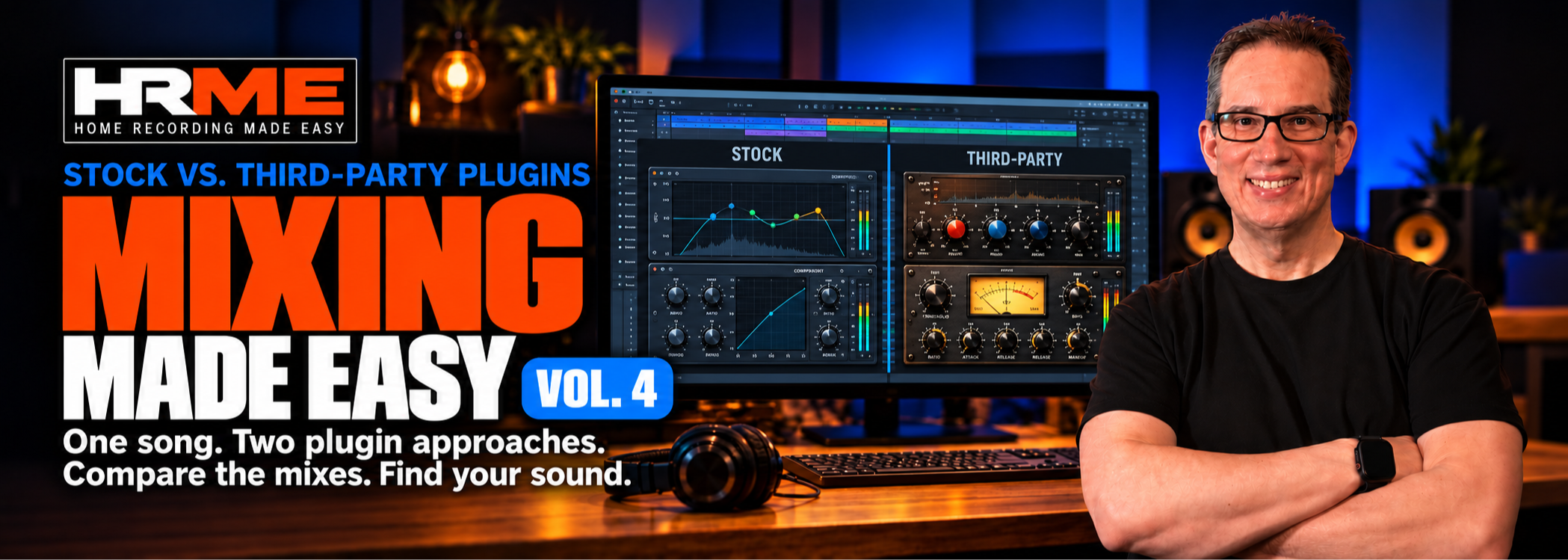
Do You Need More Plugins—or a Clearer Mixing Approach?
Hear what changes when the same song is mixed with stock plugins and third-party plugins.
Follow two complete mixes, compare the results, and learn to choose tools by what you hear.
For intermediate and advanced home-studio mixers familiar with EQ and compression.
Watch Sample LessonsMixing Made Easy Vol. 4
Compare Two Complete Mixes: Stock Plugins and Third-Party Plugins

$97 — One-Time Payment
22 lessons • Approximately 6 hours 31 minutes
Two complete mixes • Stock and third-party plugins
Multitracks, reference track, final mixes, and two PDF guides included

Follow Along & Mix With Me!

Hear the Difference Between Stock & 3rd Party Plugins

Audio Files Included
Mix The Ronains "Hope Your Dreams Come True"
Here is the song we are going to mix in this course

What You’ll Learn

Compare Stock and Third-Party Plugins
Hear the same song mixed twice with two different plugin approaches. Compare the finished results and decide what matters most to your ears.

Follow Two Complete Mixes
Watch “Hope Your Dreams Come True” by The Ronains develop from session setup to final balance. Follow the decisions made throughout both mixes.

Shape Instruments and Vocals
Work through drums, bass, guitars, strings, and vocals. Hear how processing and balance help the parts fit together.

Choose Tools With a Clear Purpose
Understand why David chooses a processor and what he listens for when adjusting it. Apply the reasoning with suitable tools in your own DAW.

Explore Effects and Workflow
Follow the routing and effects choices used across the mixes. Build a more deliberate process for adding depth and character to your own songs.

Practice and Compare Your Results
Mix along with the multitracks, then compare with the reference track and both finished mixes. Use the included EQ and compression PDF guides for support.
Included With Your Course

Multitrack Audio Files

Reference Track & Both Final Mixes

EQ & Compression PDF Guides
50% OFF!! Limited Time Only
FAQ
Can I apply these techniques to my specific DAW?
Do I Need Specific Plugins for the Course?
How will the included audio files enhance my learning experience?
Can I download the course to my computer?
What's the significance of the "Plugin Showdown" in this course?

Meet Your Coach:
David Vignola
I’m a mixing engineer with over 20 years of experience and hundreds of client mixes. Since 2014, I’ve helped home-studio musicians learn recording and mixing through clear, step-by-step training.
MIXING MADE EASY VOL. 4 • COURSE SAMPLES
Stock Plugins
Hear what you can do with the plugins already in your DAW. These excerpts cover kick, bass, and vocal choices in the stock mix.
Blend Two Kick Mics
2:50
Use stock EQ to bring out the attack of one kick mic and the low end of the other, then hear them together.
Keep the Kick Clear
1:22
Shape the upper end of the distorted bass layer and blend it with the clean bass so the kick still comes through.
Blend a Lead Vocal Double
2:05
Hear how EQ, level, and shared reverb help the double support the lead vocal.
MIXING MADE EASY VOL. 4 • COURSE SAMPLES
Third-Party Plugins
Compare how David shapes the same song with a channel strip, bass saturation, and a dedicated vocal processor.
Add Kick Definition
1:36
Hear what channel strip EQ and preamp drive do to the kick, including what happens when the drive goes too far.
Add Grit to Layered Bass
1:38
Hear how a touch of clipping changes the distorted bass layer, then listen to both bass tracks with the drums.
Try a Vocal Preset in the Mix
1:44
Start with a vocal preset and hear why David checks the tone with the rest of the track playing.