
SSL autoEQ and autoDYN Review: 4 Tests Against a Manual Mix

What's Included in This SSL autoEQ Review?
This SSL autoEQ review puts Solid State Logic's AI-assisted EQ and dynamics plugins head to head with my own manual settings on real drums.
SSL partnered with sonible on autoEQ and autoDYN. You pick a profile like Kick or Snare, choose a style, hit Learn, and the plugin sets your EQ or compression. Does that actually get you a good sound?
This isn't sponsored. I get the SSL native plugins through my Slate Digital Complete Access Pass, and I tried these live for the first time on an older drum session I'd already mixed with the UADx SSL E Channel Strip.
If you don't own these plugins, the comparison still applies to any "AI" EQ or compressor. You can watch the full test on the Home Recording Made Easy YouTube channel, or see it here: SSL autoEQ and autoDYN test video.
Table of Contents
Jump to any test below.
- Can SSL autoEQ EQ a Kick Drum for You?
- SSL autoDYN on Kick: Why You Still Have to Level Match
- SSL autoEQ on Snare: Learn vs. the Preset
- SSL autoDYN on the Drum Bus
- What Worked, and What to Watch For
- SSL autoEQ and autoDYN FAQ
- Quick Recap
- Final Thoughts
1. Can SSL autoEQ EQ a Kick Drum for You?
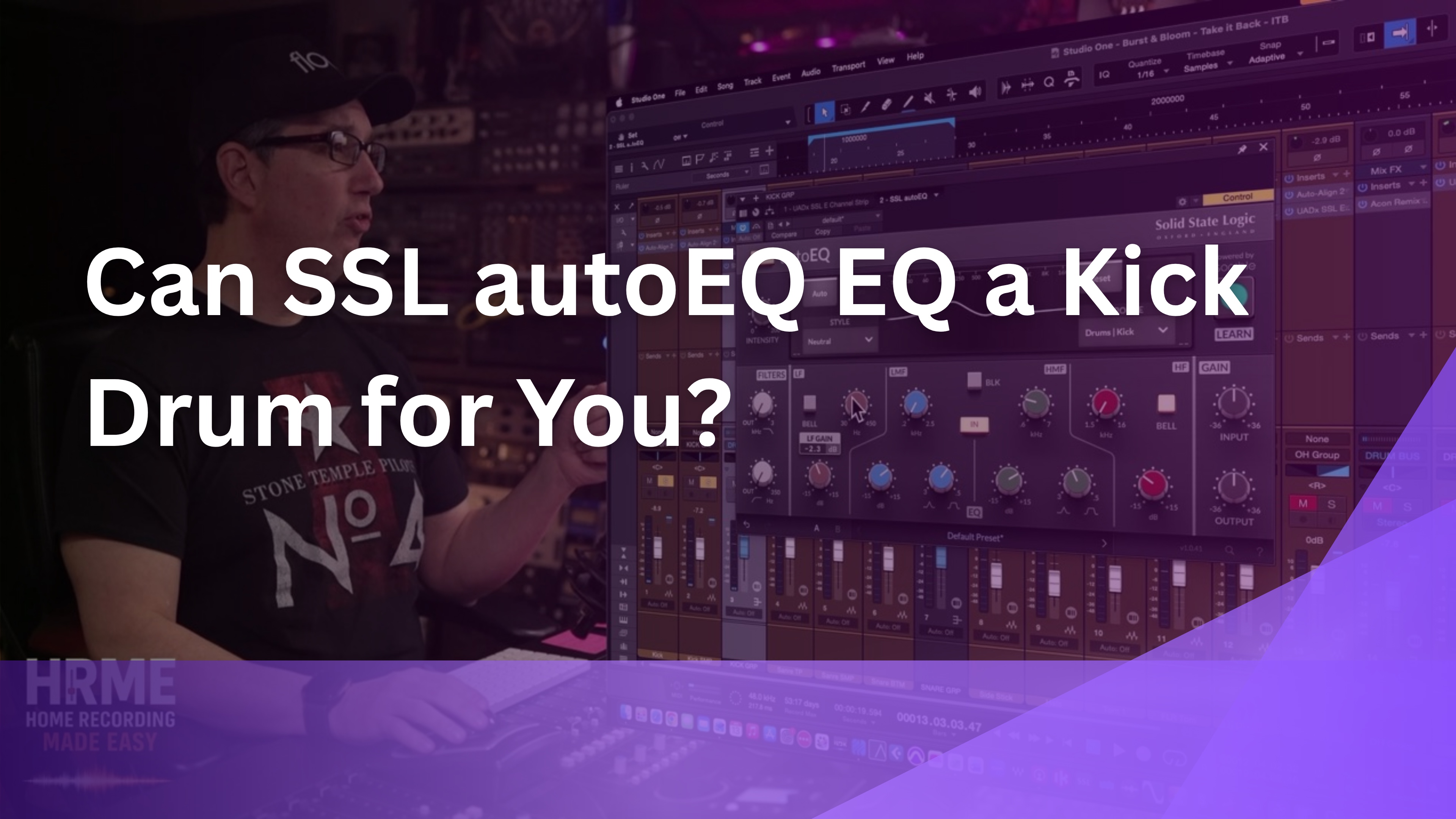
The first test was whether SSL autoEQ can EQ a kick drum on its own. I bypassed my channel strip, set the profile to Drums, Kick, chose the Neutral style, and hit Learn.
On Neutral, it rolled off about 2 dB around 30 Hz, boosted about 5 dB at 200 Hz, added some 1k, and cut about 5 dB at 1.5k. On the Warm style, it put a 3.7 dB shelf cut at 450 Hz with no boost down at 50 or 60 Hz at all.
"So to me that's a miss. Again, this is where I say sometimes it's hit or miss." [8:53]
My own kick EQ was close to the opposite: about 6 dB added at 50 Hz, a little taken out around 250 Hz, and some slap added at 8k. To my ear, that's what a kick drum should sound like, and the AI curve never went there no matter which style I picked.
Try This In Your Own Mix
If you try an auto EQ on kick, check what it did below 100 Hz before you accept it. If the low end you want isn't there, add it yourself.
If you're not sure where a kick's low end even lives, that's exactly the gap the free 90-minute mixing course covers, so you can make that call yourself instead of hoping an AI guesses right.
2. SSL autoDYN on Kick: Why You Still Have to Level Match
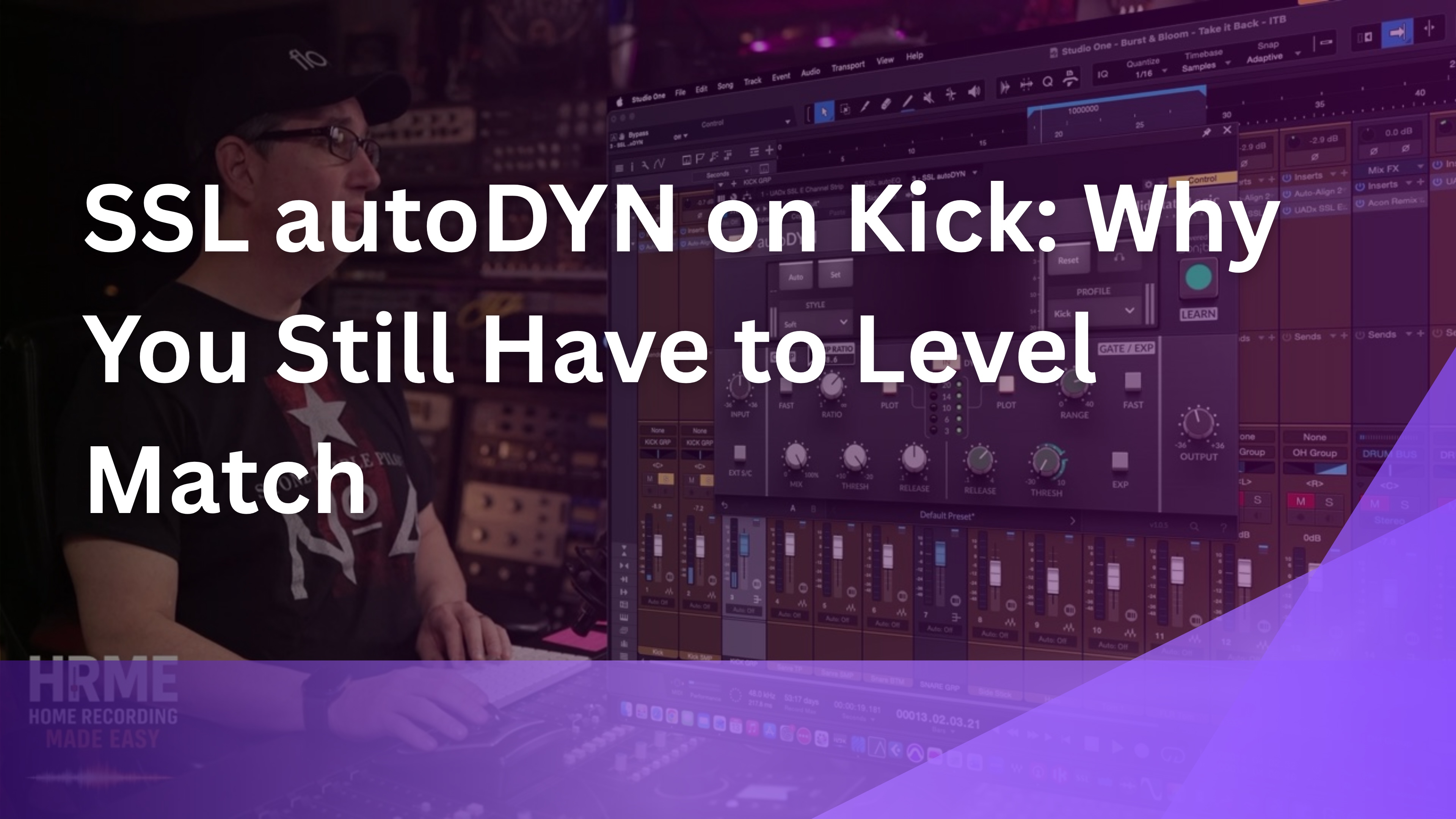
Next I added SSL autoDYN on the kick, since my channel strip runs EQ and then compression. I turned the gate off, chose a style, and let it learn.
"So it doesn't lower the output, which it should." [9:52]
autoDYN doesn't apply automatic gain compensation, so after it compresses, you have to turn the output down yourself to level match. If you skip that, the compressed version can sound better just because it's louder, which isn't a fair comparison.
It landed on about an 8:1 ratio, which is a strong amount of compression for a kick. My channel strip had only about 3 dB of compression, so I pushed mine a little harder to match theirs. Even with the levels matched and both plugins running, I still preferred my own settings.
Try This In Your Own Mix
Whenever you compare a processed sound to the original, match the output level first. Then bypass and listen again, and make the decision on tone, not volume.
3. SSL autoEQ on Snare: Learn vs. the Preset
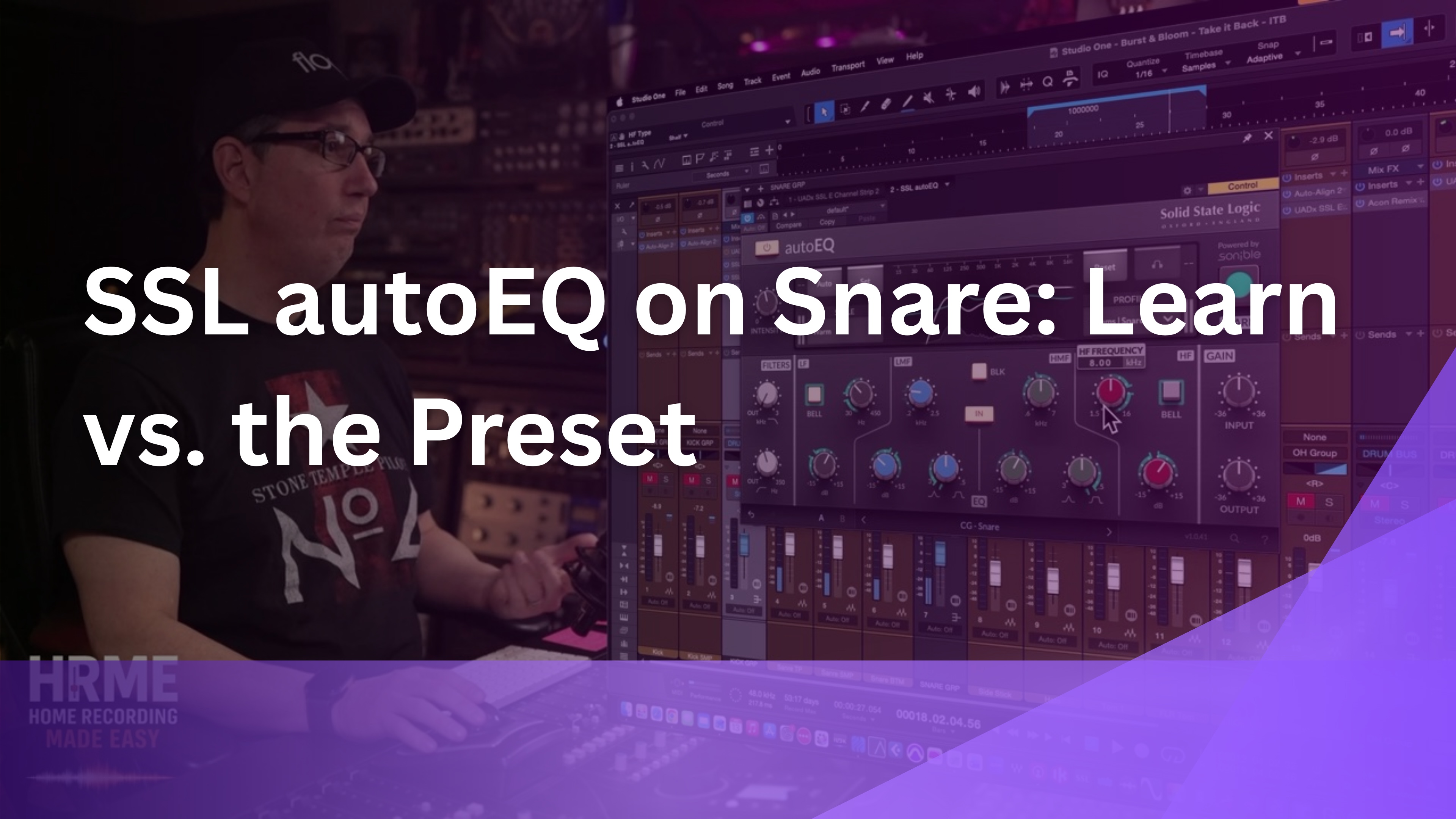
On snare, SSL autoEQ's Learn result was less convincing than one of its own presets. On Neutral it did very little, and Bright put a big shelf up top. On Warm, it took out some top end around 13k, made a move at 300 Hz, and cut a little at 50 Hz.
"The preset seems to sound way better." [14:49]
Then I rolled in autoDYN on Medium. It set a 23.8:1 ratio with a slow attack and about 3 dB of compression. The result wasn't bad, but next to my channel strip the snare sounded thin.
My own snare had a bump at 150 Hz, some 5k, about 3 dB of compression, and a low cut at 70 Hz. That 150 Hz bump is the beef the AI version was missing, and once I added that kind of move back by hand, it sounded a lot better.
Try This In Your Own Mix
If a snare sounds thin after any EQ, try a gentle boost around 150 Hz before reaching for anything else.
Knowing which frequency to reach for without guessing is the skill these plugins skip, and The Mixing Academy builds it with a new set of multitracks every month that you mix along with me step by step.
4. SSL autoDYN on the Drum Bus
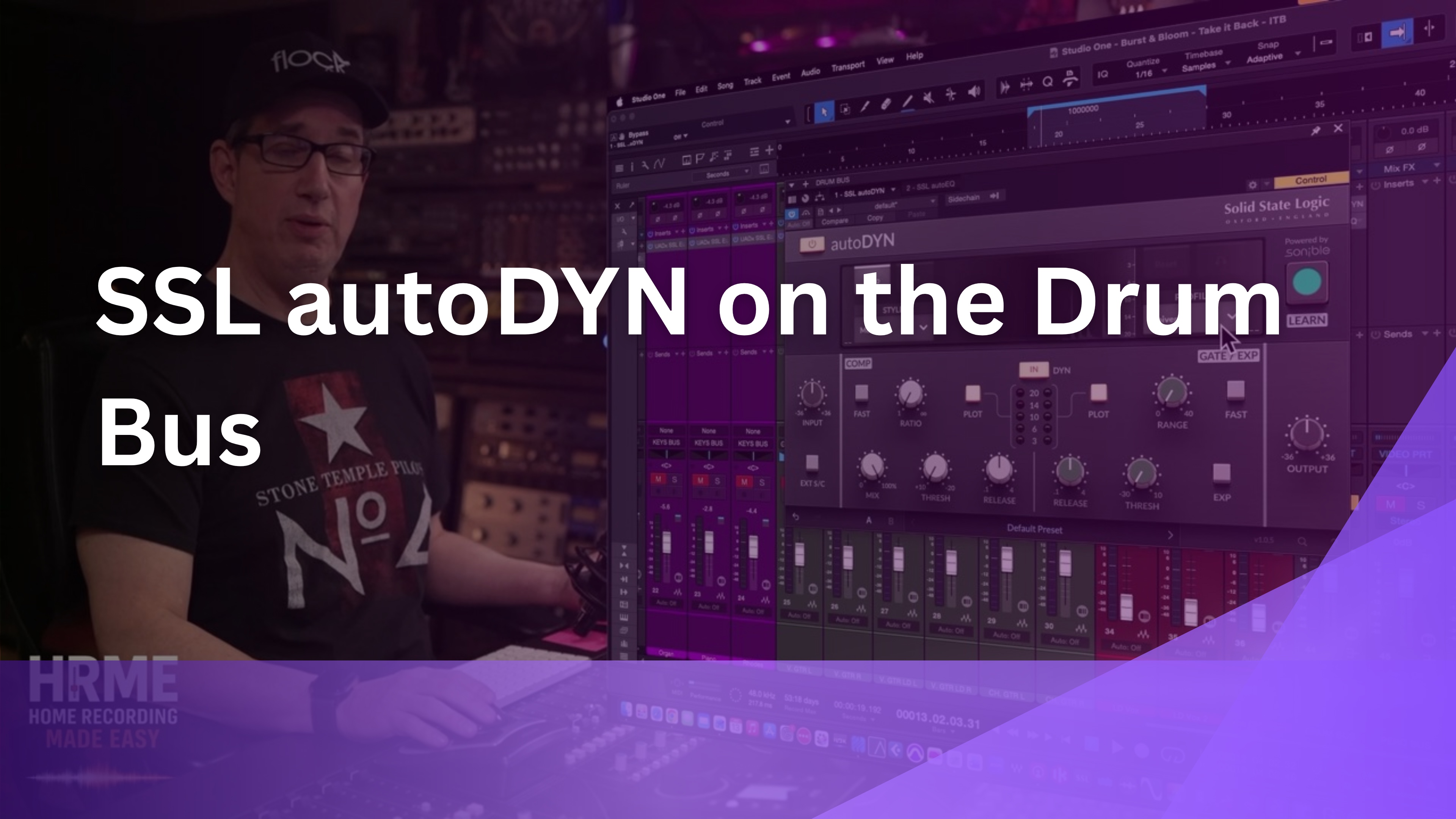
The drum bus was where SSL autoDYN did its best work. I hadn't used any drum bus compression in this mix, so I let autoDYN learn the full kit on the Medium style.
"About 3 to 6 dB of compression. That sounds pretty good." [19:40]
autoEQ on the bus was less predictable. On Bright, it didn't seem to do anything at first, so I loaded a fresh instance, set it to drum set and Neutral, and learned again. That time it did okay.
That's the pattern across the whole test. You can use these plugins to learn the audio and then sweeten the result with your own adjustments. But if you're going to adjust it anyway, you're better off learning how to use an EQ and a compressor in the first place.
Try This In Your Own Mix
If you try an auto compressor on a bus, start with a medium style, aim for a few dB of gain reduction, level match, and judge it against no bus compression at all.
What Worked, and What to Watch For
These are first impressions from trying both plugins live on kick, snare, and drum bus. Here's where they helped and where they fell short of a manual mix.
What Worked
- Simple layout, the same on both plugins
- autoDYN on the drum bus sounded pretty good
- Every learned setting stays fully editable
- The built-in snare preset beat the learned curve
What to Watch For
- The learned kick EQ missed the low end and the click
- The learned snare sounded thin next to a manual EQ
- autoDYN doesn't auto gain, so you must level match
- The learned ratios ran high, about 8:1 on kick and 23.8:1 on snare
They're not bad-sounding plugins, and SSL makes some of my favorite native plugins. The weak spot is the Learn step itself, which didn't make the calls I would have made on kick and snare, the two sources that anchor most drum mixes. Plan on tweaking whatever it gives you.
SSL autoEQ and autoDYN FAQ
1) Is SSL autoEQ worth it?
In my first test, not as a replacement for knowing EQ. On kick and snare, the learned settings were a miss next to my own, though the plugin itself sounds good and every setting can be tweaked after it learns.
2) Can AI EQ a kick drum for you?
It can make a guess, but in this test it missed. autoEQ boosted around 200 Hz and 1k while my own EQ added about 6 dB at 50 Hz and some slap at 8k, which is what the kick actually needed.
3) Does SSL autoDYN have auto gain?
No. autoDYN doesn't lower its output after compressing, so turn the output down yourself to level match before you compare it to the original.
4) Where did SSL autoDYN work best?
On the drum bus. Learning the full kit on the Medium style gave about 3 to 6 dB of compression, and it sounded pretty good.
5) Do I need these plugins if I already use SSL channel strips?
Not really. If you already mix with an SSL-style channel strip, learning the basics of EQ and compression will get you further. In this test, my UADx SSL E Channel Strip settings sounded better on both kick and snare.
6) How did you get the SSL autoSeries plugins?
Through my Slate Digital Complete Access Pass, which includes the SSL native plugins. This video wasn't sponsored by SSL, sonible, or Slate Digital.
Quick Recap
Here are the four tests from this SSL autoEQ and autoDYN review in one place. Each one compared the plugin's learned result against my own UADx SSL E Channel Strip settings on the same old drum session, with levels matched, and every test is shown on screen in the full video. SSL also makes a third plugin in this family, autoBUS, which I didn't test here.
- autoEQ on kick missed the low end and the click
- autoDYN on kick went to about 8:1 and needed manual level matching
- On snare, the preset beat the learned curve, and both sounded thin
- autoDYN on the drum bus sounded pretty good
Final Thoughts
AI is everywhere in 2026, and it's moving into mixing more and more. Sometimes these tools get close and sometimes they don't. On kick and snare, what autoEQ and autoDYN detected wasn't anything like what I would do, and my own settings sounded better.
I teach mixing for a living, so I'm biased, but I'll say it anyway. If you spend a little time learning fundamental frequencies, you can EQ your own kick, snare, bass, and vocal without an AI doing it for you. The basics of EQ and compression will take you a lot further than a Learn button, and you'll know why each move works.
In fact, just loading the snare preset gave a better result than the plugin listening and adjusting on its own. That tells you the sound is there. The decisions are what's missing, and those are the part you can learn.
Ready to Mix Like This Yourself?
Every move I made by hand in this video, 6 dB at 50 Hz on the kick, a 150 Hz bump on the snare, a low cut at 70 Hz, comes from knowing where each instrument lives. That's learnable.
The Mixing Academy gives you a brand new set of multitracks every month to mix along with me step by step, plus live coaching calls and personal feedback on your mixes. Use code ME25OFF for 25% off any single-title course (bundles excluded).
You'll also connect with other mixers working on the same songs, so you can hear how different people solve the same kick and snare problems.
If you're just starting out, grab the free 90-minute mixing course first. And if you want to hear the full A/B test, the Watch the Full Session button takes you to the video.
Useful Links
Everything referenced in this SSL autoEQ review, plus related posts from the blog:
- Full SSL autoEQ and autoDYN test video
- The Mixing Academy
- Free Mixing Course
- The Best SSL Channel Strip Plugin? 4 Plugins Tested Against Real SSL Hardware
- Mixing Drums With SSL Native Plugins, Part 1
- Should I Put EQ Before or After Compression?
These are one engineer's first impressions, recorded live the first time trying these plugins on one drum session. Learned results will vary with the source, profile, and style you choose, so treat this as a starting point rather than a final verdict.

