
Jamzone Review: 5 Features That Make It a Must-Have Practice App
What's Included in This Jamzone Review?
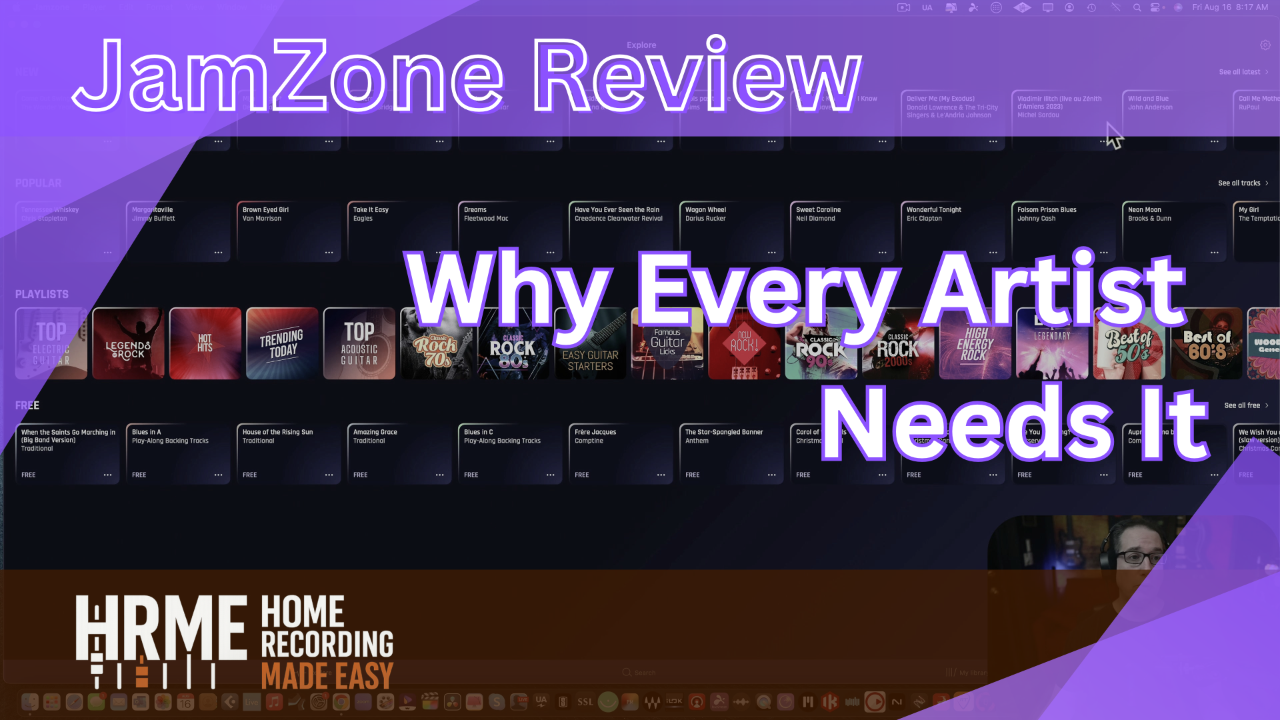
This Jamzone review walks through the five features that make it one of the most complete play-along apps for musicians, from the studio-recorded song library to the Premium and Pro plans.
Jamzone is a practice app for desktop and mobile that lets you sing and play along with cover songs from your favorite artists. In the video, I open the Mac version, load up "Gravity" by John Mayer and "Beautiful Girls" by Van Halen, and show the mixer, the section loop, and the key and tempo controls on real songs I've been learning.
I want to be upfront: I'm not affiliated with Jamzone, they aren't paying me, and they didn't know I was making this video. I'm a paying Premium subscriber, and I'd only been using it for about a week when I recorded this.
I play guitar, but the app works the same way whether you're a bass player, drummer, keyboard player, or singer. You can watch the full walkthrough on the Home Recording Made Easy YouTube channel, or see the full demo here: Jamzone app walkthrough video.
Table of Contents
Each numbered feature below stands on its own, so skip straight to the one you care about most.
- Jamzone's Song Library: Studio-Recorded Covers
- How to Loop a Section of a Song for Practice
- Change the Key and Slow Down a Song Without Changing the Pitch
- The Multitrack Mixer: Mute or Turn Down Your Own Instrument
- Jamzone Premium vs Pro: Which Plan Do You Need?
- What Worked, and What to Watch For
- Jamzone FAQ
- Quick Recap
- Final Thoughts
1. Jamzone's Song Library: Studio-Recorded Covers, Not the Originals

The first thing to understand in any Jamzone review is that the song library is made of studio-recorded covers, not the original artist recordings. Every track is recreated by professional studio musicians and recorded faithfully to the original, which is how Jamzone handles the licensing side.
"All the music is all been recreated by top-notch studio musicians that are recorded in, you know, professional type studios." [2:28]
The catalog is huge. In the video, I estimate it at tens of thousands of songs, and the Explore page is organized into playlists like Top Electric Guitar, Legends of Rock, 70s and 80s Rock, Easy Guitar Starters, and Famous Guitar Licks, plus country, blues, and jazz.
When I searched for John Mayer, a long list of his songs came up. Songs shown in gray aren't available yet, and users can vote on which ones get released next. There's also a set of blues play-along backing tracks in E, C, and G if you just want to jam.
Try This In Your Own Mix
Start on the free tier and pick one song from the Free playlist that you already half-know, then use it to test every feature in this post before you pay for anything.
And if you've ever recorded yourself playing along and wondered why your take sounds thin next to a polished studio cover, that gap is a mixing problem, and the Free Mixing Course walks through the basics of closing it step by step.
2. How to Loop a Section of a Song for Practice
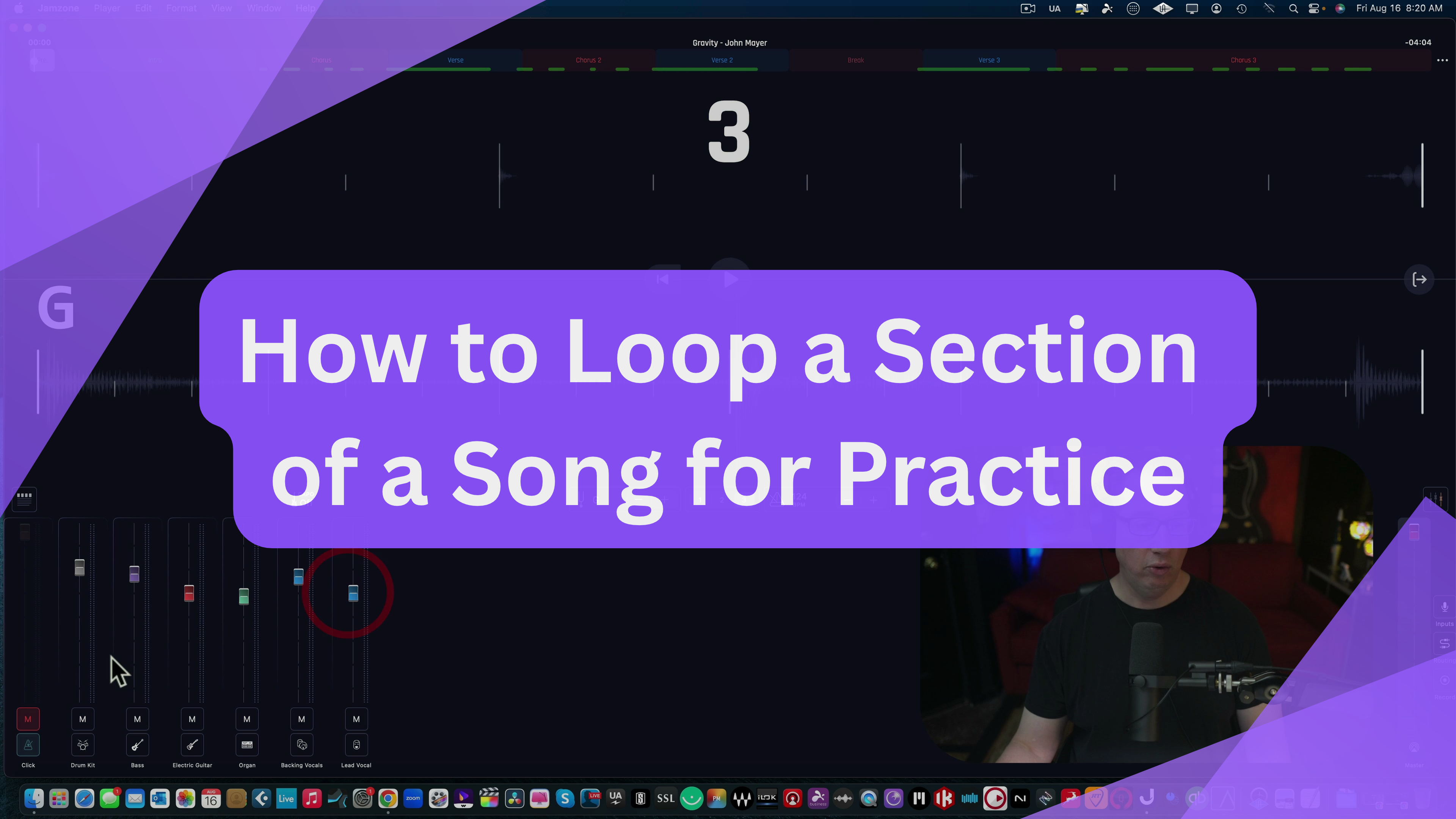
Jamzone lets you loop a section of a song by clicking the color-coded section markers across the top of the player, like the pre-count, intro, verse, and chorus. Click a section on to include it in the loop; click it off to skip it.
"You don't have to do them in order, but you can loop stuff around, which I think is really, really cool." [10:08]
This is the fastest way to learn a song, because you stop wasting time playing parts you already know. On "Gravity," I showed how you can loop just the intro over and over to get the chords down before moving on.
You can also drag the timeline at the top to jump to any point in the song. One thing that caught me in the video: if you forget a loop is still switched on, the song keeps cycling back, so turn the sections back on when you want to hear the whole tune.
Try This In Your Own Mix
Loop only the one section of a song that's giving you trouble, play it until you can get through it three times in a row cleanly, then switch the surrounding sections back on and play through the transition.
3. Change the Key and Slow Down a Song Without Changing the Pitch
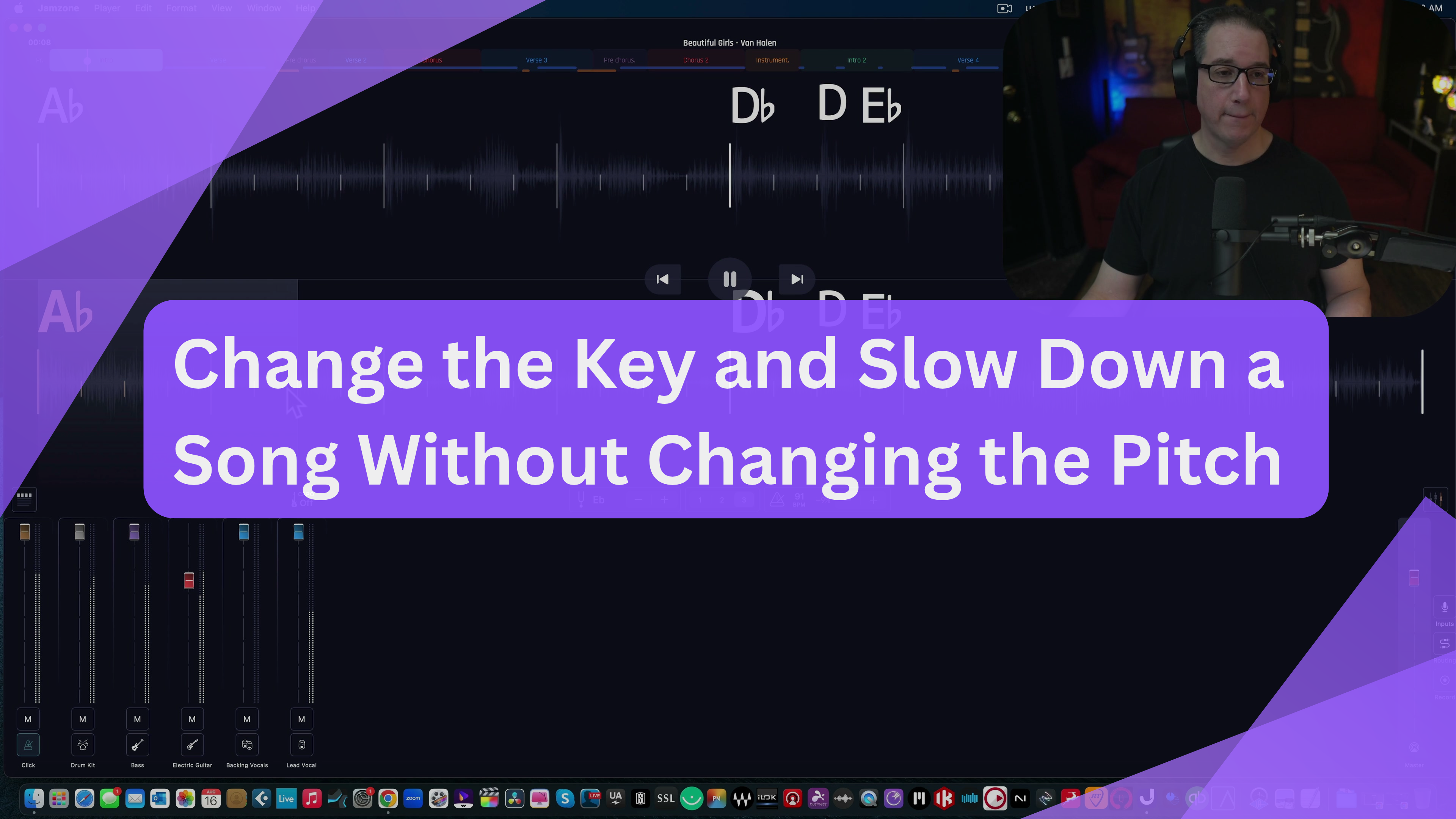
Jamzone can slow down a song without changing the pitch, and it can change the key separately. "Gravity" opens in G at 124 BPM, and both numbers sit right in the center of the screen with plus and minus buttons.
"As long as you stay within reason, it doesn't change the pitch, which is really cool." [12:26]
For "Beautiful Girls," I set the key to E flat and slowed the tempo down 12 percent, to 88 BPM, because I was having a hard time getting the licks under my fingers at full speed. The app remembered those settings the next time I opened the song.
The key control is just as useful for singers. If a song in G is too high for your voice, you can drop it to G flat or F. It will shift the recorded vocal too, so mute the lead vocal if you're singing it yourself. On some songs I could move in half steps and on others it jumped a full step, so that seems to depend on the song.
Try This In Your Own Mix
Slow a tricky solo or lick down 10 to 15 percent, loop it until it's clean, then bump the tempo up a few BPM at a time until you're back at full speed.
4. The Multitrack Mixer: Mute or Turn Down Your Own Instrument
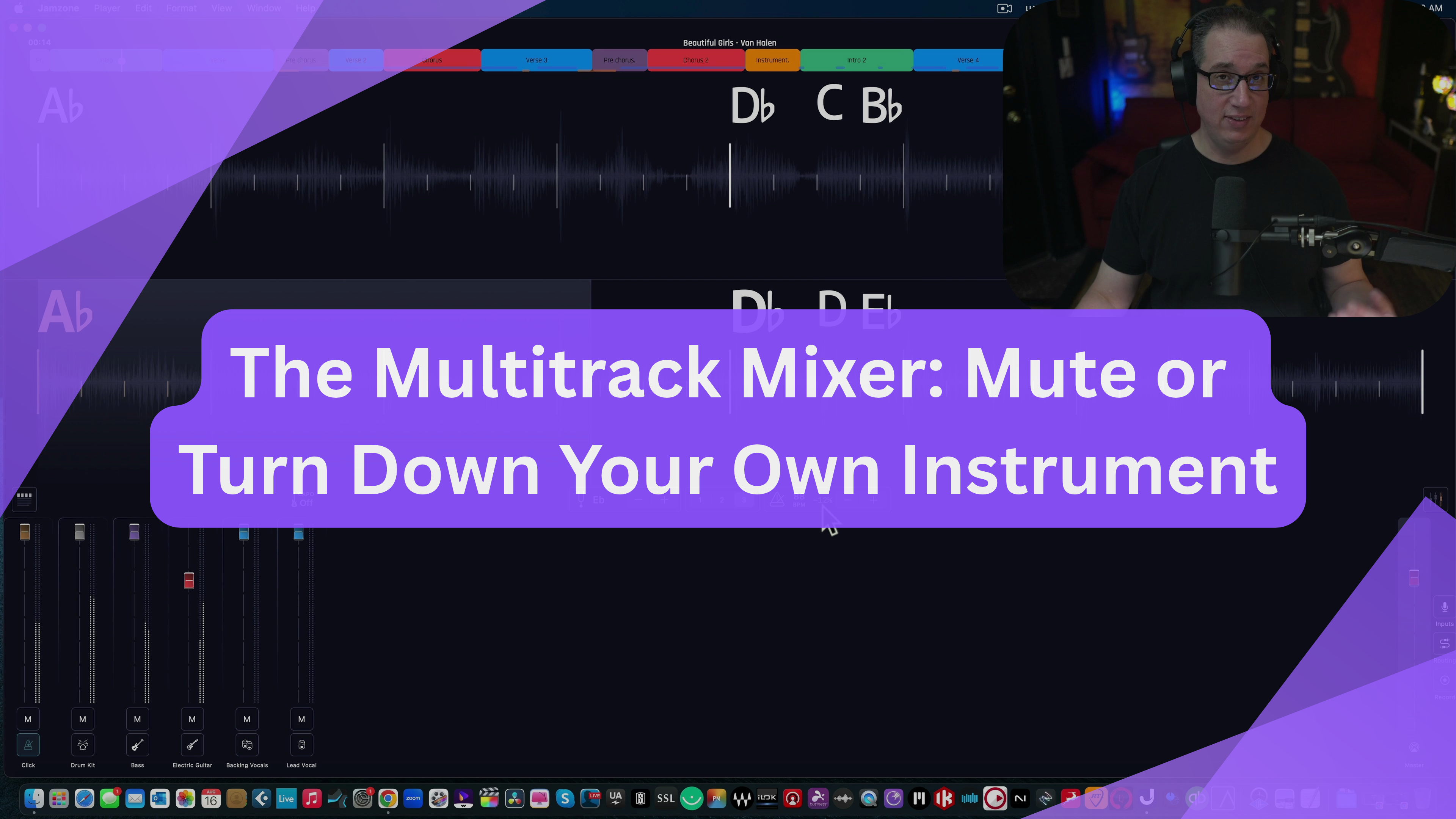
The multitrack mixer is what turns Jamzone from a song player into a real play along app. Along the bottom of the screen you get separate faders for the click, drums, bass, electric guitars, organ, backing vocals, and lead vocal, and the track count changes depending on the song.
"If you're a guitar player, once you learn the guitar parts, you can mute or turn down the guitar to a level where you can play over the top of it." [10:59]
The same idea works for every instrument. A drummer can mute the drums or just lower them, a singer can mute the lead vocal, and anyone can solo a part to hear exactly what it's doing. You can also turn the click on or off.
Tap the chord block above the click fader and you get the chord charts and the tuning for the song. On the Van Halen tune, I left the guitar turned down so I could hear myself over it while still having a reference underneath.
Try This In Your Own Mix
Pull your instrument's fader down to about half instead of muting it completely, so you can still check yourself against the recorded part, then mute it once you can play the song without it.
Finding the right level for your part against the band is the same fader balancing that every mix starts with, and if your own recordings always end up with a part buried or poking out too far, The Mixing Academy shows that balancing done on real multitracks, session by session.
5. Jamzone Premium vs Pro: Which Plan Do You Need?
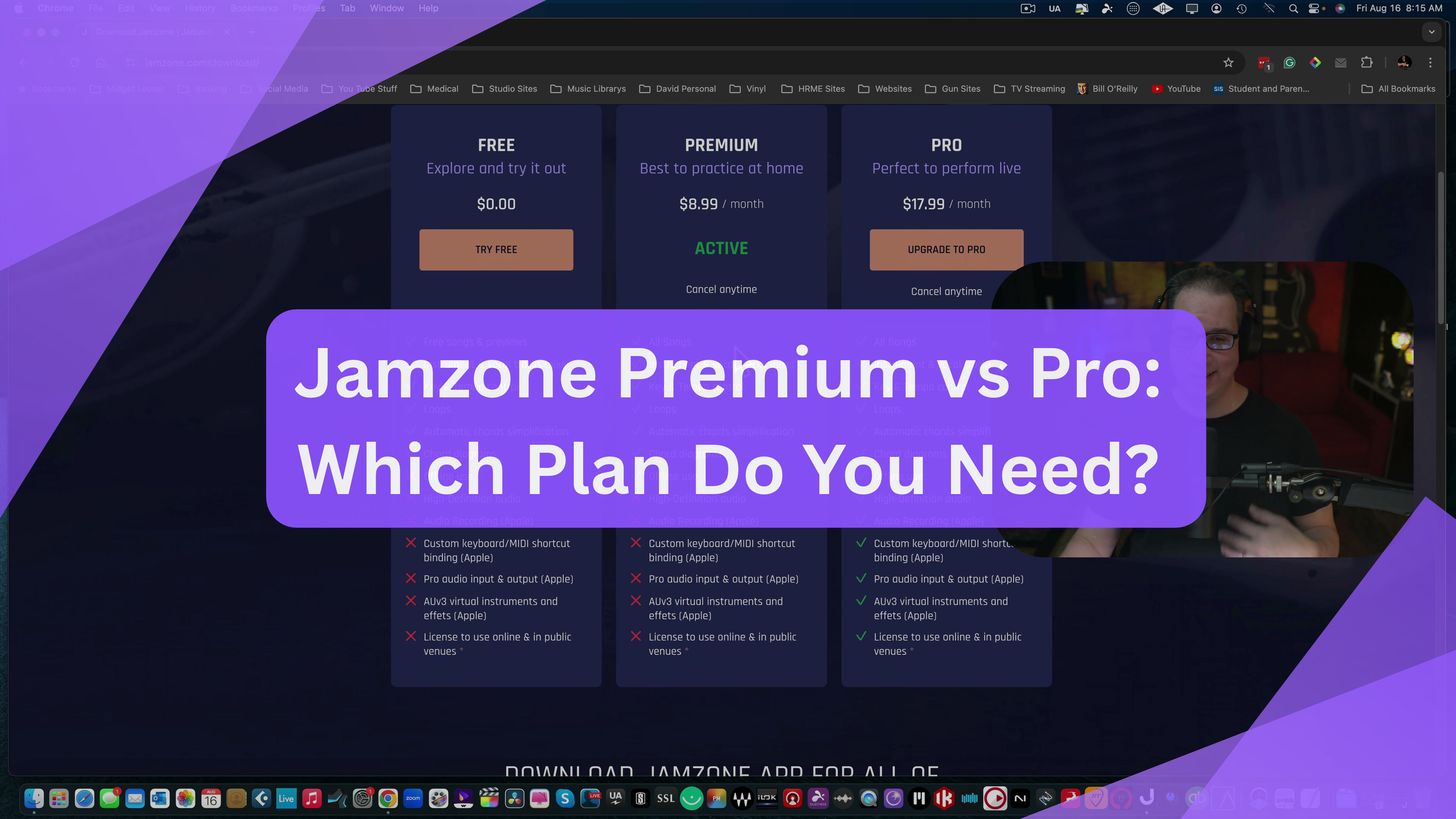
Jamzone pricing comes in three tiers: Free, Premium, and Pro. When I recorded this video, the pricing page listed Premium at $8.99 a month ("best to practice at home") and Pro at $17.99 a month ("perfect to perform live").
"Even so, that seems awfully inexpensive for what this thing is capable of doing." [5:54]
The free tier gives you free songs and previews. Premium, which is what I use, unlocks every song plus the mixer, key and tempo control, loops, chord diagrams, and offline use. Both paid plans get the full song library, so the only difference is features.
Pro adds high-definition audio, recording yourself inside the app so you can listen back and critique your performance, custom keyboard and MIDI shortcuts, pro audio inputs and outputs, AUv3 instruments and effects, and a license to use it online and in public venues. Several of those are listed as Apple-only, and Jamzone's FAQ says you aren't guaranteed to be able to monetize content on platforms like YouTube, so read that before you build a channel around it.
Try This In Your Own Mix
If you only practice at home, Premium covers everything in this post. Only step up to Pro if you plan to perform live with it or want to record yourself inside the app.
What Worked, and What to Watch For
After about a week of daily use, here's the honest breakdown of what makes Jamzone worth it and where it falls short.
What Worked
- Studio-recorded covers that sound faithful to the originals
- A real multitrack mixer, so you can mute or turn down your own part
- Section looping that doesn't have to follow song order
- Tempo changes that keep the pitch steady within reason
- Works offline on Mac, iPhone, iPad, and Android
What to Watch For
- You can't import your own songs, so a missing song means requesting it
- Key changes jump a full step on some songs instead of a half step
- The beginner, intermediate, and advanced chord views didn't change anything on "Gravity"
- Windows needs BlueStacks to run it
- YouTube monetization isn't guaranteed, even on Pro
None of those watch-outs were deal breakers for me, but the import limit matters most if you mainly play obscure songs.
Jamzone FAQ
1) Is Jamzone worth it?
For practicing at home, yes. Premium unlocks every song, the multitrack mixer, looping, and key and tempo control, and at $8.99 a month when I recorded this, it's inexpensive for how much it does.
2) Does Jamzone use the original songs?
No. Every track is a cover recreated by professional studio musicians and recorded faithfully to the original. That's how Jamzone handles licensing while still giving you separate tracks for each instrument.
3) Can you slow down a song in Jamzone without changing the pitch?
Yes. The tempo control speeds up or slows down a song, and as long as you stay within reason the pitch doesn't change. I slowed a Van Halen song down 12 percent to learn the licks.
4) What's the difference between Jamzone Premium and Pro?
Both include every song. Pro adds high-definition audio, in-app recording, MIDI and keyboard shortcuts, pro audio inputs and outputs, AUv3 instruments and effects, and a license to use it online and in public venues.
5) Does Jamzone work on Windows?
Not directly. It runs on Mac, iPhone, iPad, and Android, and on Windows you can run it through BlueStacks, a wrapper app for Android software.
6) Is Jamzone only for guitar players?
No. The mixer lets drummers, bass players, keyboard players, and singers mute or lower their own part, and the website has sections for electric and acoustic guitar, drums, piano, bass, voice, and harmonica.
Quick Recap
Here are the five Jamzone features from this review in one place. Each one maps to a numbered section above, so jump back up to any of them for the screenshot and the exact steps I used in the video. All five are shown on real songs in the full video, "Gravity" by John Mayer and "Beautiful Girls" by Van Halen, and everything except in-app recording works on the Premium plan.
- Studio-recorded covers, with tens of thousands of songs to choose from
- Section looping, in any order you want
- Key changes and tempo changes that keep the pitch steady
- A multitrack mixer to mute or turn down your own instrument
- Premium for home practice, Pro for live use and recording
If you only take one thing from this list, make it the combination of looping and tempo: loop the hard section, slow it down, and bring it back up to full speed a little at a time.
Final Thoughts
I've never seen a play along app this fully featured, with this much flexibility and this many songs. If you're a musician who wants to learn songs quickly and have every practice tool in one app that works offline, Jamzone is worth trying on the free tier first.
The features that sold me were the simple ones I used every day: muting my guitar part, looping the section I was stuck on, and slowing a Van Halen song down 12 percent until I could actually play it. On top of that you get chord charts, lyrics, set lists, and offline use, all in one app.
It isn't perfect. You can't import your own songs, and a couple of settings didn't behave the way I expected on every song. For the price of Premium, though, I still haven't seen another app this fully featured.
And once you're recording yourself playing along, the next step is making those recordings sound as good as the studio-recorded covers you're practicing with.
Ready to Mix Like This Yourself?
Jamzone gets you playing the parts. Making your own recordings of those parts sound finished is a separate skill, and it's the one I teach.
The Mixing Academy shows you how real multitrack sessions get balanced, processed, and finished, one session at a time, the same way you'd build your own mix in Jamzone's mixer, just with every track in your own song. Use code ME25OFF for 25% off any single-title course (bundles excluded).
If you'd rather see Jamzone in action before anything else, the Watch the Full Session button takes you to the complete walkthrough, where I load "Gravity" and "Beautiful Girls" and use the mixer, the loop, and the key and tempo controls on screen. Practice the parts with Jamzone, then come learn how to make your own recordings of them sound like a finished record.
Useful Links
Everything referenced in this Jamzone review, plus related posts from the blog:
- Full Jamzone walkthrough video
- Jamzone plans and download page
- The Mixing Academy
- Free Mixing Course
- Fender Studio Pro 8: How I Reamp Guitars for a Thicker Mix
- Purple Audio MC77 Review: 5 Features Worth Knowing
This review reflects one musician's first week of hands-on use as a paying Premium subscriber, with no affiliation with or payment from Jamzone. Features, song counts, and pricing may have changed since the video was recorded, so check Jamzone's site for current details.

