
Why I Use Channels Strips on Every Track

By David Vignola | Home Recording Made Easy
I use channel strips on every track because they put my everyday mixing tools in one familiar place. I can shape the tone, control the dynamics, and adjust the level without constantly opening another plugin. That helps me make decisions faster and stay focused on the music.
If you're new to mixing, that simpler workflow can be especially helpful. Instead of deciding which EQ and compressor to load every time you move to another track, you can learn one set of controls and spend more time listening. Here's why that approach works for me, and how you can try it in your own DAW.
Watch the full video: Why I Use Channel Strips On Every Single Track.
What is a channel strip plugin
A channel strip combines several processors in a single plugin. Depending on the model, that might include high-pass and low-pass filters, EQ, a compressor, a gate or expander, preamp controls, and output trim. The exact combination varies, so get to know what your strip actually includes.
In the video, I use an SSL channel strip to show how those sections fit together. The controls are right in front of me, and I can change the processing order where the plugin allows it. I don't have to build a separate chain just to handle everyday tone and dynamics.
That layout becomes more useful as you learn it. When you hear something you want to change, you know where to reach. Moving from the kick to a guitar or vocal doesn't mean learning a different interface.
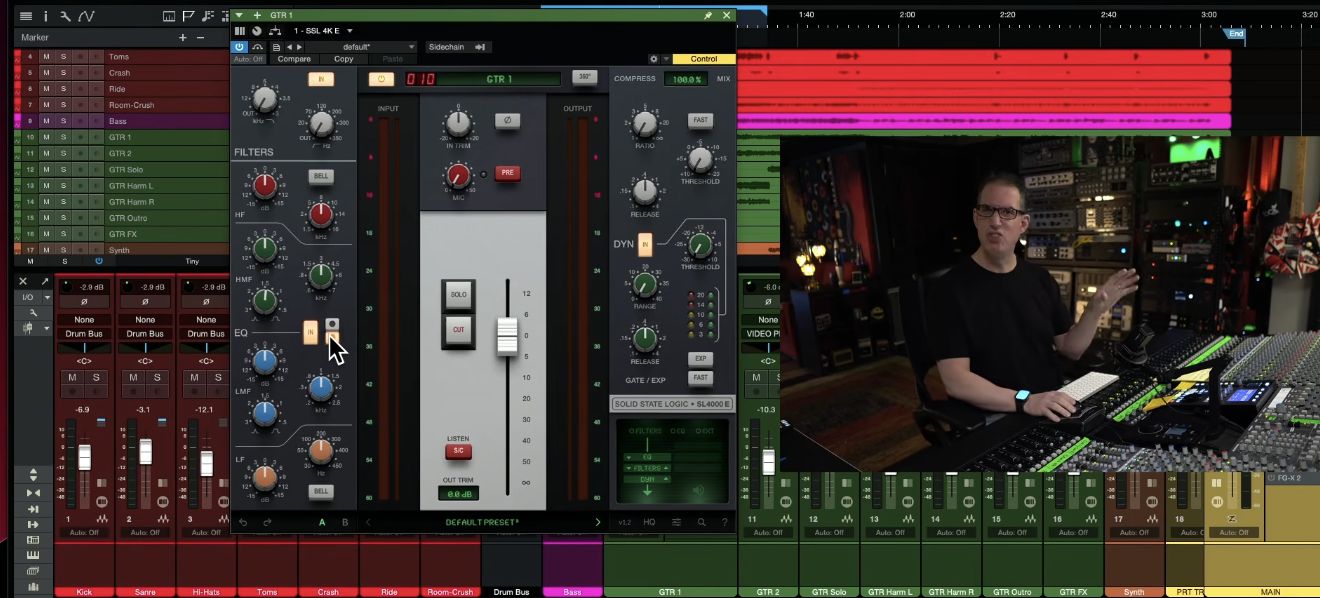
Ready to build a stronger mixing foundation? My free mixing course walks you through the basics using the plugins that came with your DAW.

Why use a channel strip plugin
Think about working on a kick drum. You make an EQ adjustment, then want to hear what compression does. With separate plugins, you're opening one window, closing another, and switching back when the compression makes you rethink the EQ.
I find it easier to keep that conversation between EQ and compression going inside a channel strip. The tools stay visible together, so I can keep working on the sound while the idea is fresh.
That is the main advantage for me when I compare channel strips with individual plugins. Individual processors can be useful, but the channel strip gives me a consistent place to do the bulk of the work. Fewer interruptions help me stay in a creative frame of mind.
Give yourself fewer decisions to make
A huge plugin collection gives you plenty of options. It also gives you plenty of opportunities to stop mixing and start auditioning tools. Which EQ should you use? Which compressor? Would another model be better?
I like the limits of a channel strip. A manageable set of controls encourages me to make a move, listen, and decide whether it helps. Some strips offer more flexibility than others, but I don't need unlimited choices on every track.
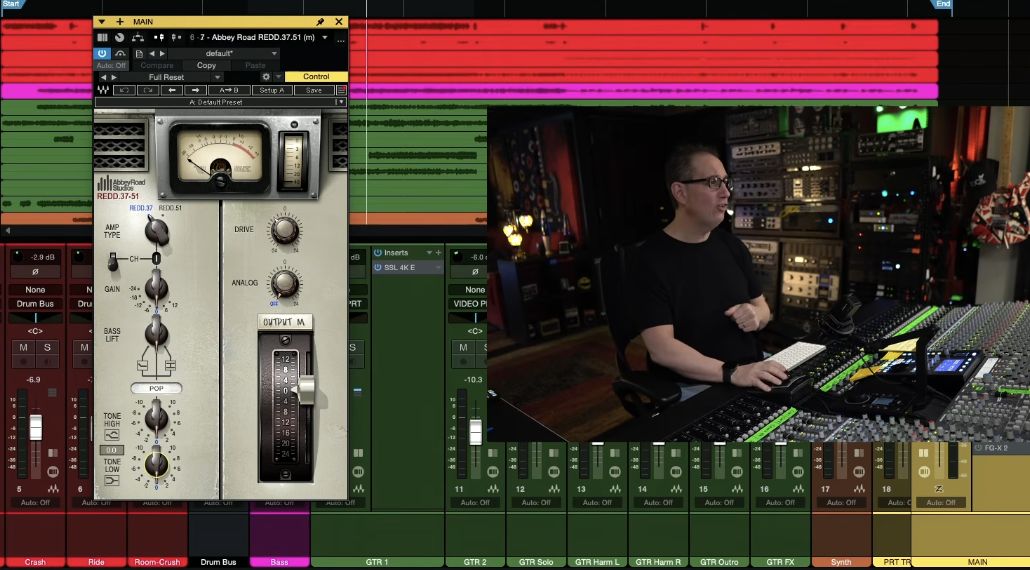
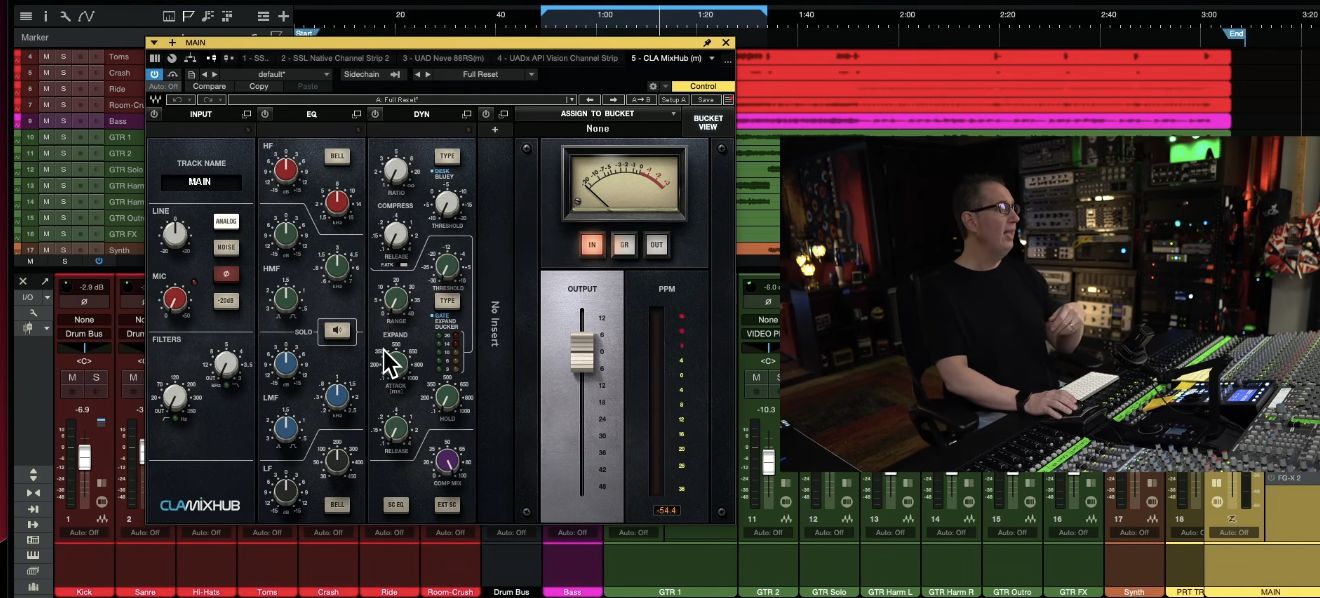
The layout can help across multiple tracks, too. In the video, I show Waves CLA MixHub's bucket view, which brings several channels into one window. That's another way a console-style approach can reduce the back-and-forth of working through a session.
Choose the analog character you enjoy
Sound is another reason I enjoy mixing with channel strips. To my ears, plugins modeled on analog consoles can bring a familiar character to the tracks and a sense of cohesion across the mix. It's a sound I associate with the records I enjoy.
Different strips give me different flavors. In the video, I describe SSL Channel Strip 2 as a cleaner, more hi-fi option alongside the more colored console-style choices. I also look at Neve and API strips, among others. Those differences are worth hearing on your own material.
My preference is to keep a small collection with useful contrasts. You don't need every model I show. Spend time learning one, then consider another when you can explain what different sound or workflow you want. For a closer listening comparison, see my SSL channel strip comparison.
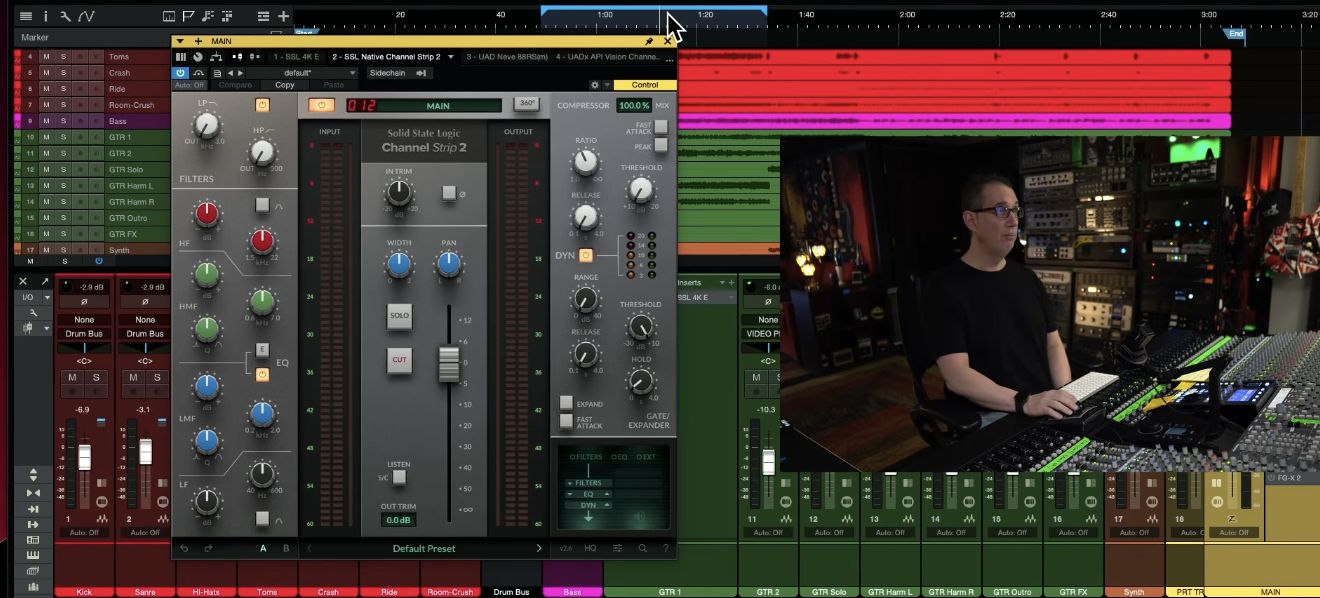
Build a smaller toolkit you know well
Channel strips can also help you avoid buying separate plugins for every routine job. One strip may cover the filtering, EQ, and compression you need on a track. That makes a small, well-chosen toolkit a practical place to start.
The important question is whether you know how to get results from the tools you own. If you're still learning what the EQ and compressor in your current strip can do, another purchase may only add another decision. Give yourself time to learn the tools before expanding the collection.
Try this channel strip mixing workflow
Here's a simple way to put the idea into practice on your next mix. Treat it as an exercise in making decisions with fewer tools.
1. Choose one familiar strip. Start with a channel strip you already have. Learn where its filters, EQ, dynamics, and output controls are before you start comparing it with other models.
2. Listen before turning knobs. Get a rough balance, then decide what each track needs in the song. A channel strip on every track gives you a consistent set of tools; it doesn't require the same settings everywhere.
3. Make a move for a clear reason. Use the section that addresses what you hear. You don't have to engage every module or compress every track. Keep listening to the track with the rest of the mix as you work.
4. Give the strip a fair chance. Work with its controls before reaching for another plugin. If a separate processor solves a specific problem, use it. Keep the reason for adding it clear.
5. Review the workflow. Ask whether you spent less time choosing plugins and more time making useful changes. Keep the parts of the approach that help you finish the mix.
For a practical instrument-focused follow-up, explore mixing drums with the Apogee Neve 8068 channel strip.
Common questions about using channel strips
Should I use a channel strip on every track?
It's the approach I favor for a familiar workflow and the console-style sound I enjoy. Try it in a session and judge whether it helps you work. Let the needs of the track guide the processing.
Should I use the same channel strip on every track?
Using one familiar strip across a session can keep the layout consistent. You can still choose contrasting flavors where useful. Adjust settings for each track, and leave modules off when they aren't needed.
Do I need several different channel strip plugins?
Start with one you can learn well. A small collection of contrasting flavors can be useful later, but you don't need to buy all the examples from the video.
Can I still use individual EQs and compressors?
Yes. In the video, I show how CLA MixHub's insert slot can add a Waves Pultec-style EQ for a lead vocal. A channel strip can handle the main work while another processor provides a specific sound.
Build your mixing foundation
My biggest reason for using channel strips is how they help me keep moving through a mix. Familiar controls, fewer choices, and sounds I enjoy make it easier to focus on the song.
Ready to get more comfortable with the basics? My free mixing course walks you through the fundamentals using the plugins that came with your DAW.

