
Black Salt Audio Mix Bus Review: 5 Controls Tested on a Real Mix
What's Included in This Black Salt Audio Mix Bus Review?
This Black Salt Audio Mix Bus review walks through every control on the plugin, using a full mix to hear what each one does.
The song is "My World" by Liza Colby, which I mixed in an earlier two-part series using only Black Salt Audio plugins: Telos Bass, Drums, Guitars, and Vocals, plus their Crusher for parallel compression and their delay and reverb on the vocals. This time I added Mix Bus across the whole mix.
This isn't sponsored. Black Salt Audio isn't paying me, and this was my first time digging into this plugin.
Even if you use a different mix bus compressor, the same ideas about gain matching, low end, and loudness apply. You can watch the full test on the Home Recording Made Easy YouTube channel or here: Black Salt Audio Mix Bus video. The video description also links the "My World" multitracks so you can mix the song yourself.
Table of Contents
Jump to any control below.
- Start With a Preset and Turn On Gain Match
- Glue vs. Punch: What's the Difference?
- How to Tighten the Low End on Your Mix Bus
- Sculpt EQ: Beef, Body, and Air
- The Loud Control and the Ultimate Loudness Preset
- What Worked, and What to Watch For
- Black Salt Audio Mix Bus FAQ
- Quick Recap
- Final Thoughts
1. Start With a Preset and Turn On Gain Match
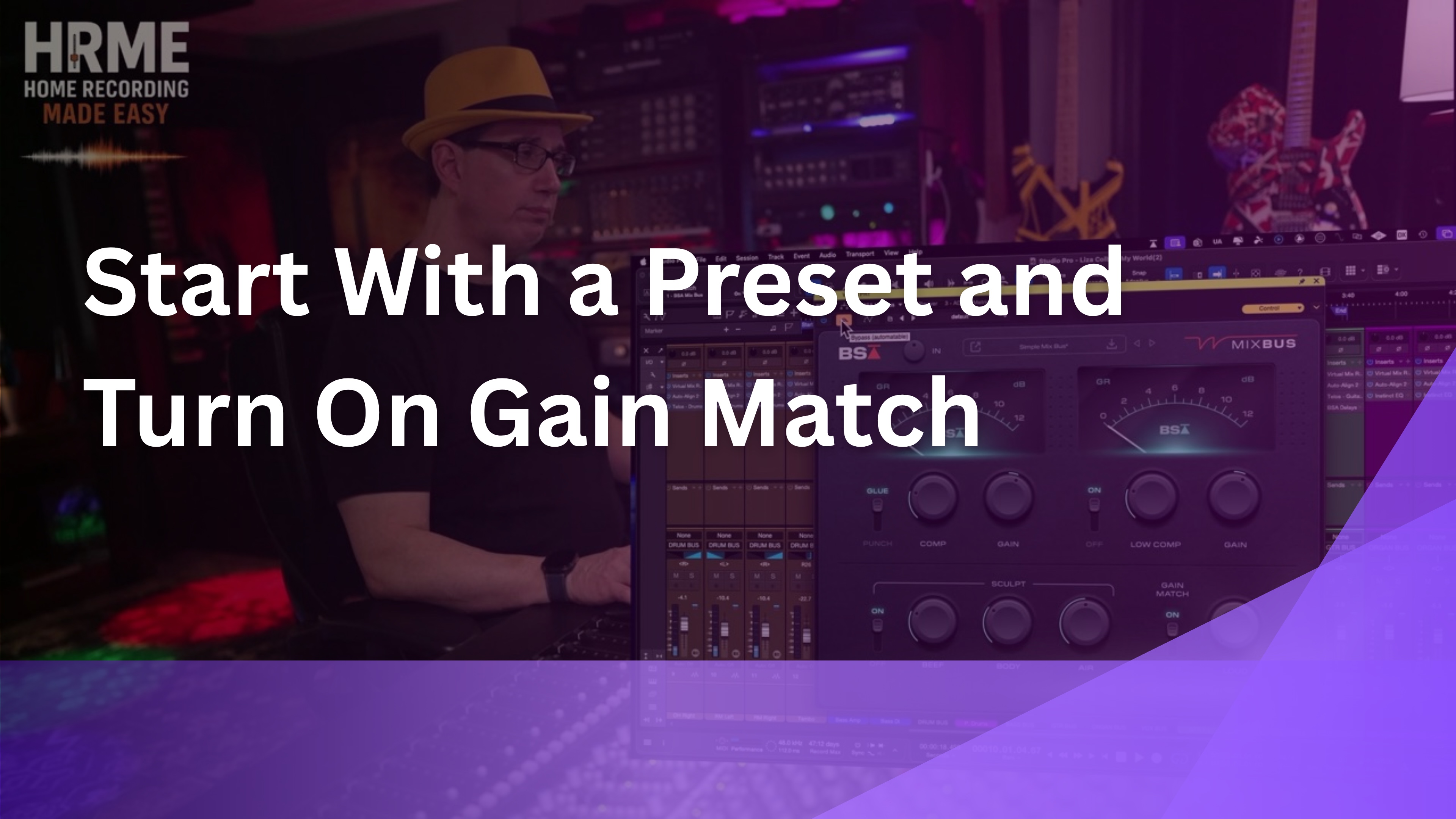
The quickest way to start with Black Salt Audio Mix Bus is a preset, and Black Salt has a lot of good ones. I loaded Simple Mix Bus, turned on Gain Match so the before and after would be close in level, and compared it to bypass.
"And that already made it sound 25, 30% better." [5:18]
Gain Match helps, but it wasn't perfect. The processed version was still slightly louder, so I used the Gain knob to bring it down the rest of the way before judging it, since louder almost always sounds better at first.
The interface is simple: an input at the top, two VU meters, a compressor section on the left, a low end section on the right, and the Sculpt EQ, Gain Match, and Loud along the bottom. Click the Mix Bus logo and the manual opens, which I highly recommend reading.
Try This In Your Own Mix
Load a mix bus preset, turn on gain match, then fine-tune the output by ear until bypassing it doesn't change the volume.
If you can't tell whether a mix bus plugin is helping or just making things louder, the free 90-minute mixing course covers how to make those calls with confidence.
2. Glue vs. Punch: What's the Difference?

The compressor has two modes, and glue vs. punch is a subtle difference on a full mix. The Simple Mix Bus preset uses Glue, so I flipped it to Punch to hear what changed.
"Not really, very subtly. I mean, very, very subtly." [5:53]
Listening closely to the snare, Punch gave it a little more attack and a little more sustain. It's not a night and day change, but you can hear it when you focus on the drums.
Beyond the mode switch, the compressor is two knobs: how much compression you want and how much makeup gain. There's no threshold, ratio, attack, or release to set. Black Salt handles that under the hood, which is what makes their plugins so quick to dial in. I did notice the attack and release changed between presets, so the presets are doing more than just moving the knobs you can see.
Try This In Your Own Mix
Loop a section with a strong snare, switch between Glue and Punch, and listen only to the snare's attack. Pick the mode that suits the song.
3. How to Tighten the Low End on Your Mix Bus
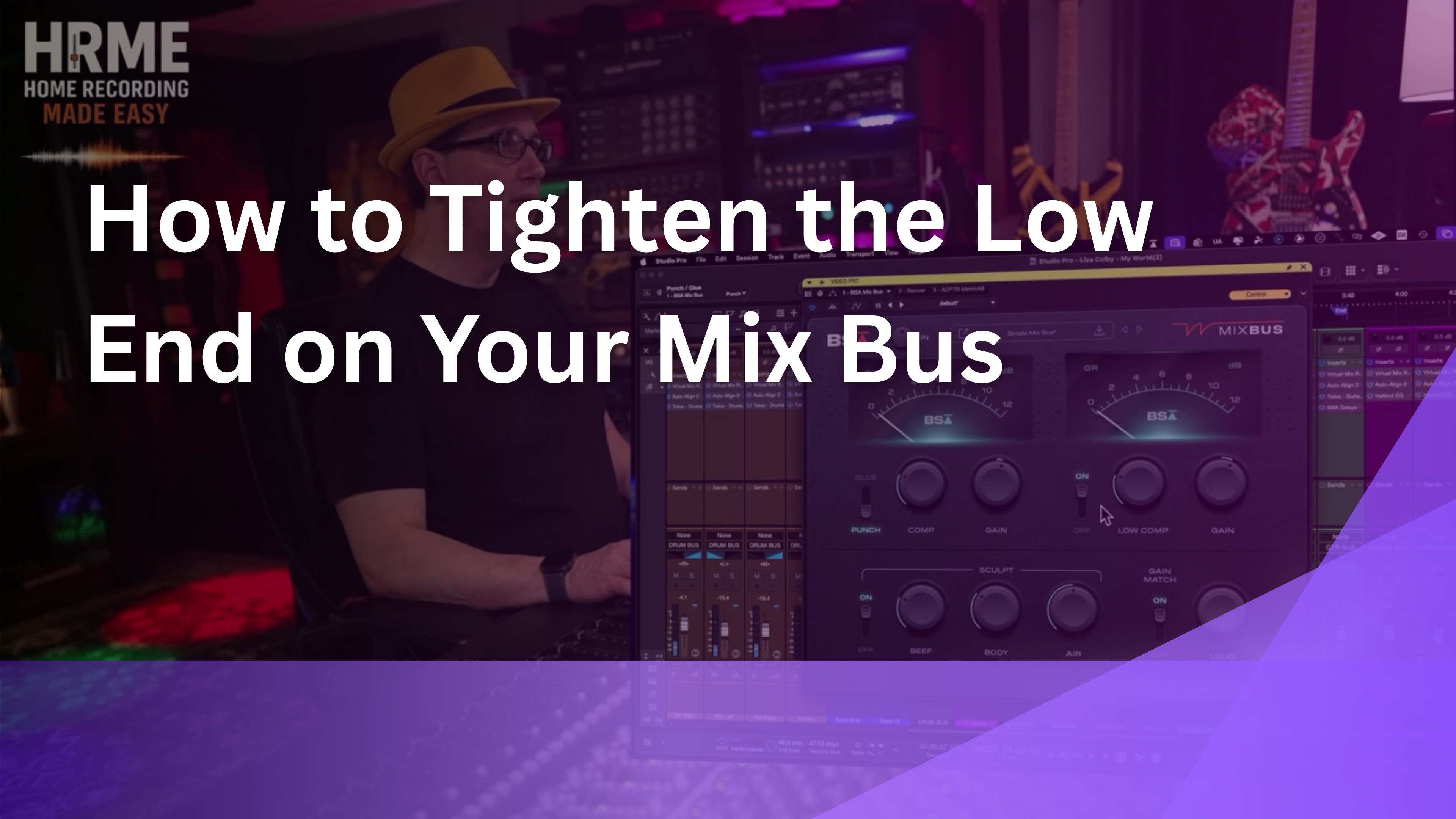
What makes this a unique mix bus compressor is a separate section to tighten the low end. Low Comp has its own on and off switch, an amount knob, and a gain knob, and like the main compressor, the frequencies and thresholds are all set for you.
"So you can hear, as I turn it up, there's no low end left." [7:18]
Push Low Comp too far and it eats the low end of the whole mix. When I tighten up the low end on a mix bus, I typically do very little, and usually I'd use a sidechain of some kind rather than heavy low end compression.
Some of the volume change you hear when you turn it on is coming from the EQ and gain, so match levels before you decide. At a low setting it sounded pretty good. It's all program dependent, so set it by ear for each song.
Try This In Your Own Mix
Turn Low Comp up until the low end clearly shrinks, then back it off most of the way. Aim for tighter, not thinner.
Getting the low end of a whole mix to sit right is one of the hardest balances to learn alone. The Mixing Academy gives you a new set of multitracks every month to mix along with me step by step, so you hear how those low end calls get made on real songs.
4. Sculpt EQ: Beef, Body, and Air
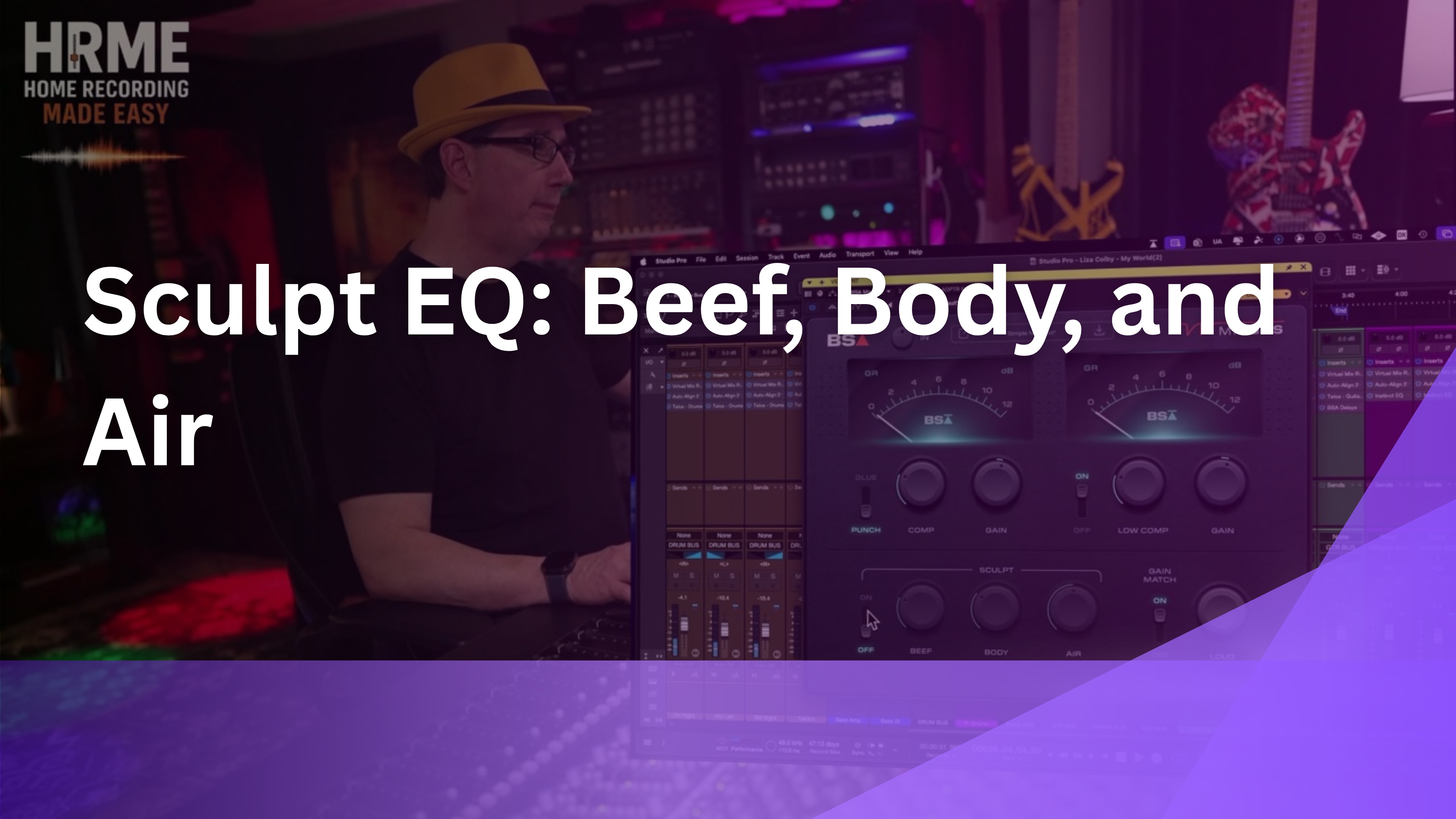
The Sculpt EQ along the bottom has three knobs: Beef for the lows, Body for the mids, and Air for the highs. It has its own on and off switch, so you can hear exactly what it's adding.
"So again, these EQ settings are just additive, right? So it's not taking anything away." [9:22]
At 0% a knob adds nothing, and as you turn it up you're adding to the mix. Even at 100% on the low end, the curves are very broad and very subtle, which is kind of nice on a mix bus where heavy EQ moves can cause problems fast.
That said, you probably don't want to add too much low end with Beef, especially if Low Comp is also working on the bottom of the mix. Treat Sculpt as a final polish rather than a fix.
Try This In Your Own Mix
Start all three Sculpt knobs at zero and raise one at a time while toggling the section on and off. Stop when the change is easy to hear but not obvious.
5. The Loud Control and the Ultimate Loudness Preset
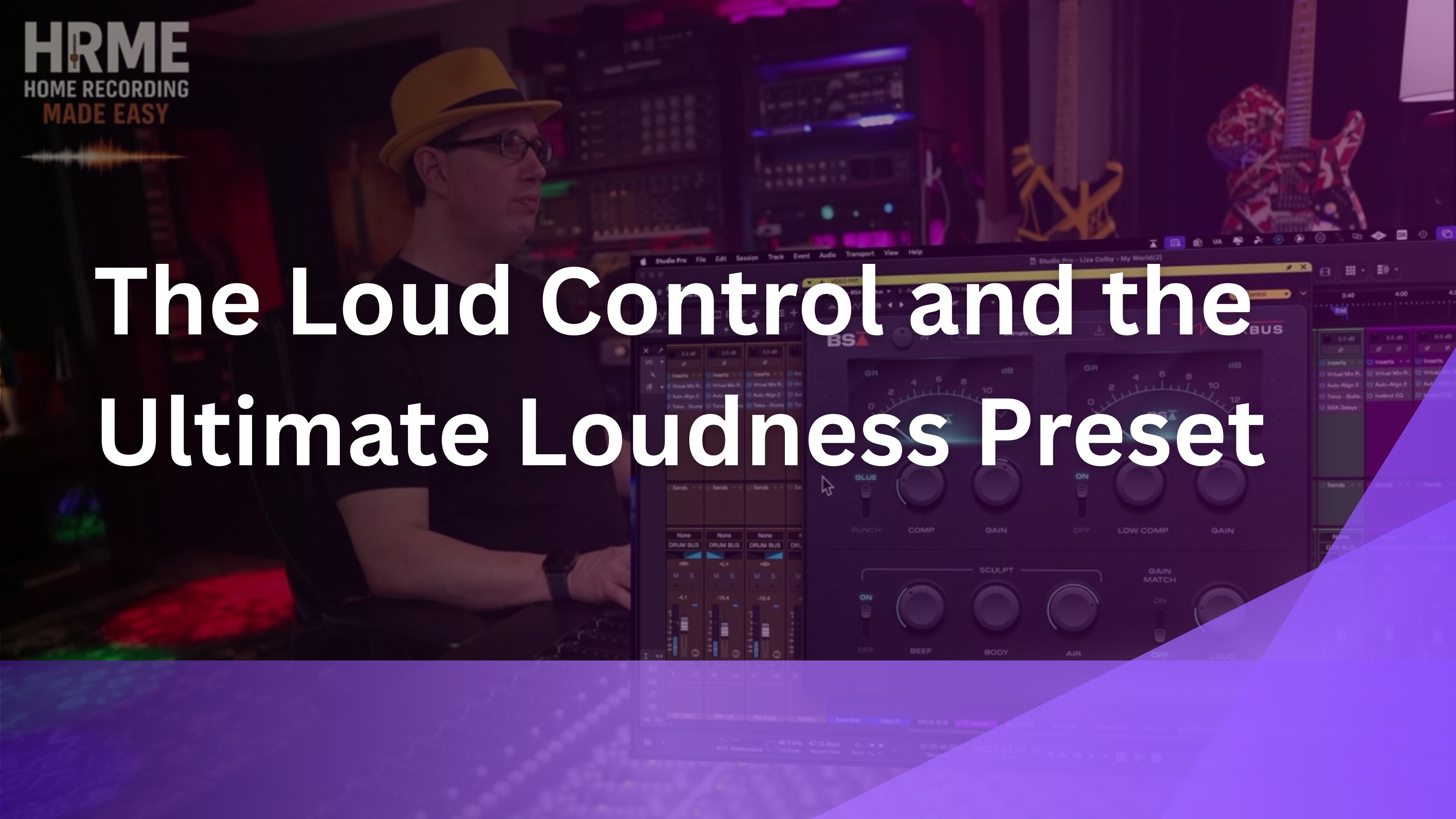
The last control is Loud, which adds extra gain at the output. Turning it up, it seemed to act a bit like a limiter on the mix.
"Okay, so it turns up the output here, and I'm already clipping my master bus here." [10:40]
I also tried the Ultimate Loudness preset. It turned up the output so much that my master bus was clipping right away, so watch your meters if you reach for it. As far as I could tell, it's mostly a gain boost at the output.
I also ran the Punchy and Thick preset, which starts off in bypass mode, so you can hear the before and after as soon as you switch it on. Between the presets and the handful of knobs, you can get from nothing to a finished mix bus sound very quickly.
Try This In Your Own Mix
Before you use Loud or a loudness preset, check your master bus meter. If it's clipping, pull the output back down before making any tonal decisions.
What Worked, and What to Watch For
Here's my take after running every control on a finished mix that was already sounding good before Mix Bus went on. Keep in mind this was my first time using the plugin.
What Worked
- Simple Mix Bus preset made the mix 25 to 30% better
- Very few controls, so it's fast to dial in
- Broad, subtle Sculpt EQ curves suited to a mix bus
- A dedicated low end compressor
- Resizable window and a built-in manual
What to Watch For
- Gain Match isn't perfect, so finish matching by ear
- Too much Low Comp leaves no low end
- Ultimate Loudness clipped my master bus
- Less control than a full-featured compressor
The trade-off is the same as with all Black Salt Audio plugins. You don't get as much control because they're designed to be simple, but they sound great and they're quick, which matters most when you're trying to make a demo sound great.
Black Salt Audio Mix Bus FAQ
1) What does the Black Salt Audio Mix Bus plugin do?
It combines a Glue or Punch compressor, a separate low end compressor, a three-band Sculpt EQ (Beef, Body, and Air), gain match, and a Loud control in one mix bus plugin.
2) What's the difference between glue and punch?
On a full mix, it's subtle. Punch gave the snare a little more attack and a little more sustain compared to Glue.
3) How do I tighten the low end on a mix bus?
Use a small amount of low end compression, like Mix Bus's Low Comp, and back it off before the low end starts to disappear. I usually do very little on the low end and often use a sidechain instead.
4) Does the Sculpt EQ cut frequencies?
No. Beef, Body, and Air are additive only. At 0% they add nothing, and turning them up adds broad, subtle boosts.
5) Do I need other Black Salt Audio plugins to use Mix Bus?
No. It works on any mix. I used it on a song mixed entirely with Black Salt Audio plugins, but the controls work the same on top of any plugins or DAW.
Quick Recap
Here are the five Black Salt Audio Mix Bus controls from this review, in the same order as the sections above, so you can work through them top to bottom on your own mix. All of them were tested on the same section of Liza Colby's "My World" with the plugin across the full mix, and each one is shown and heard in the full video.
- Start with Simple Mix Bus and turn on Gain Match
- Punch adds a little snare attack and sustain over Glue
- Use Low Comp sparingly or the low end disappears
- Sculpt is additive, broad, and subtle
- Loud and Ultimate Loudness raise output, so watch for clipping
Final Thoughts
What I like about Black Salt Audio plugins in general is that they're simple. They sound good, they don't take long, and you don't need to fiddle around. You pick a preset and dial it in quickly, and Mix Bus is no different.
Their lineup isn't huge, but it covers everything you need to get a song done. We mixed an entire song with only their plugins, and while that's a little limited, it sounded great. If you want a mix bus plugin that gets you most of the way there without a pile of controls, it's worth checking out.
Just keep an ear on the low end and your master bus meter, and level match before you decide anything. Start with Simple Mix Bus, adjust the compression and Sculpt to taste, and only reach for Low Comp and Loud once the rest is working the way you want.
Ready to Mix Like This Yourself?
A mix bus plugin finishes a mix, but it can't fix the balances underneath it. The 25 to 30% improvement in this video came on top of a song I'd already mixed track by track in an earlier series, with every instrument balanced before the mix bus went on.
The Mixing Academy gives you a brand new set of multitracks every month to mix along with me step by step, plus live coaching calls and personal feedback on your mixes. You'll also connect with other mixers working on the same songs. Use code ME25OFF for 25% off any single-title course (bundles excluded).
If you're brand new, start with the free 90-minute mixing course. And to hear every control in this review on the actual song, the Watch the Full Session button takes you to the video.
Useful Links
Everything referenced in this Black Salt Audio Mix Bus review, plus related posts from the blog:
- Full Black Salt Audio Mix Bus video
- Black Salt Audio Mix Bus product page
- The Mixing Academy
- Free Mixing Course
- Fast Drum Mixing With Black Salt Audio Telos Presets
- Hands-On With Black Salt Audio Telos Drums
These are one engineer's first impressions from a single mix, with no affiliation with or payment from Black Salt Audio. Every mix bus setting is program dependent, so treat these as a starting point and set yours by ear for each song.

